

Curated build guide
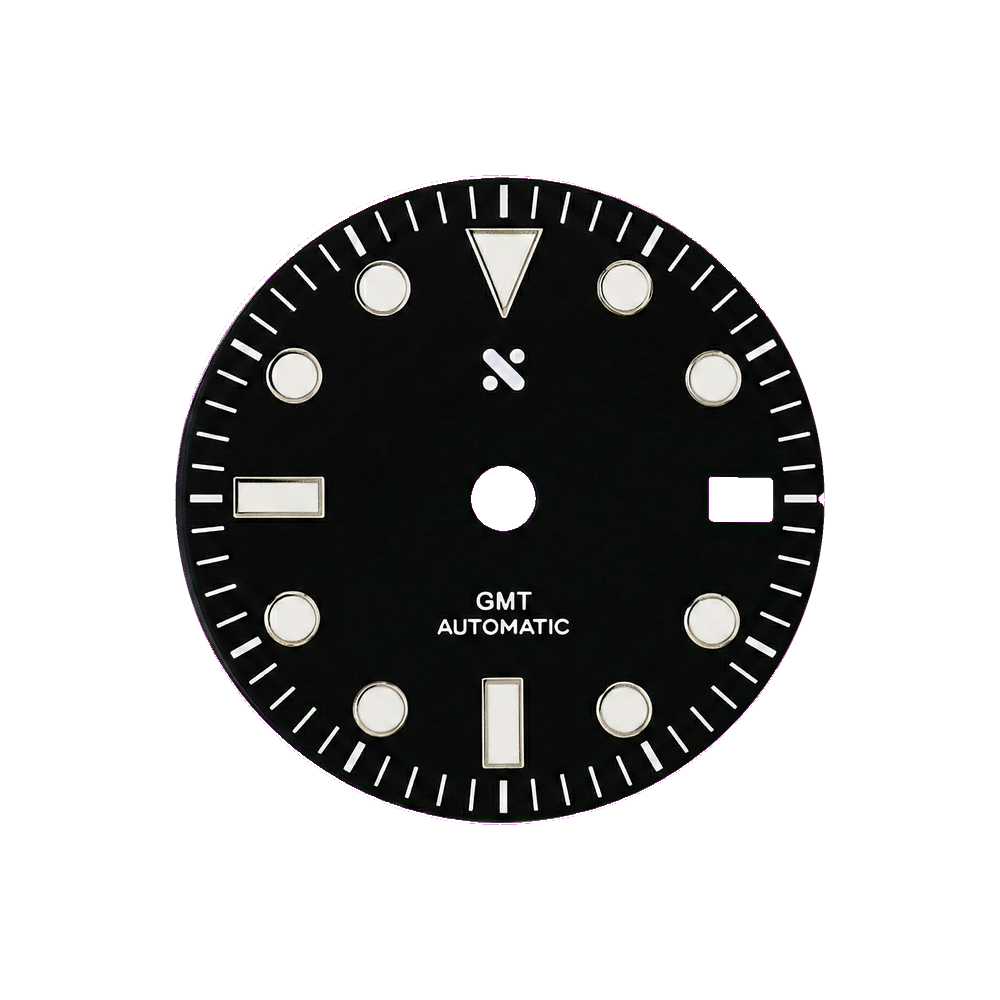
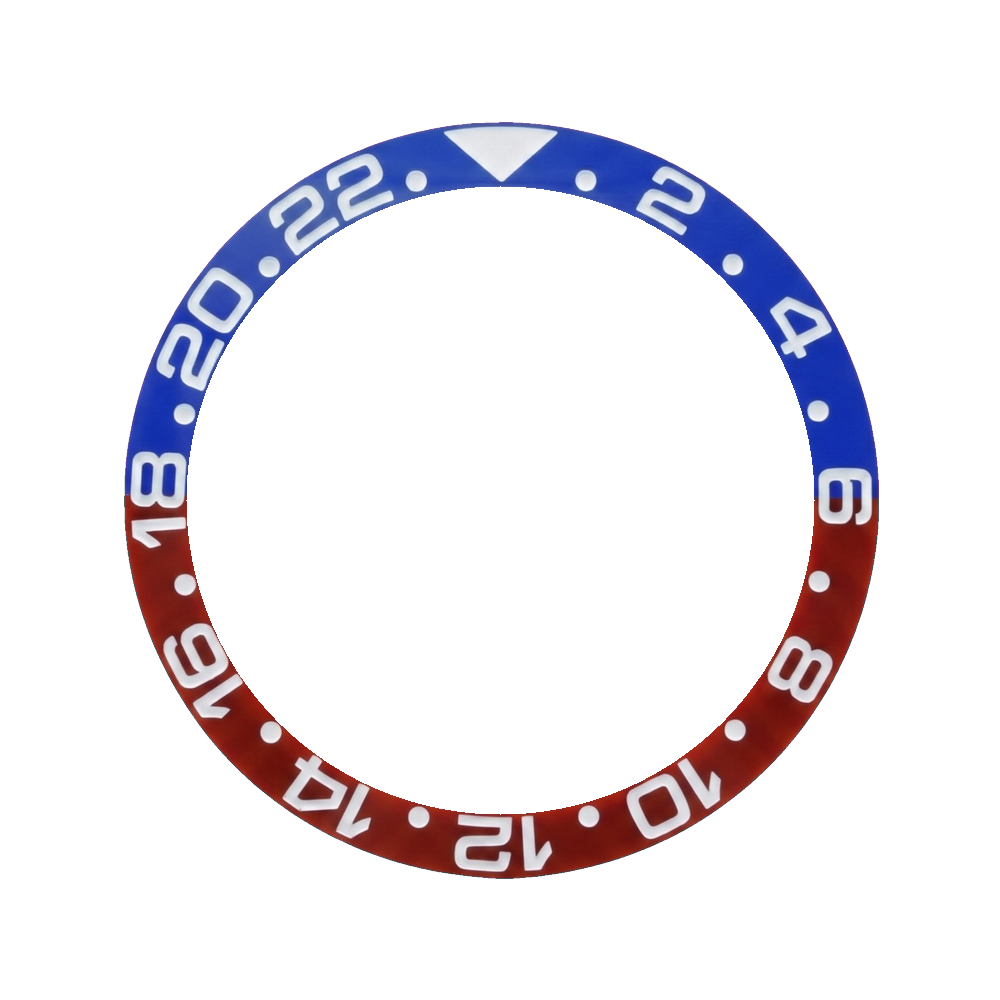
SSK/NH34 GMT Divemaster Black build guide
Some links on this page go to suppliers. We may earn a small commission if you buy through them, at no extra cost to you. It does not affect which parts we list. How we stay free →
Parts in this build
![SKX013 Watch Case - 38mm [NH34-Ready]](https://assets.assemble.watch/parts/cases/lucius_atelier/lucius_atelier_skx013_watch_case_38mm_nh34_ready_thumb.webp)

Build checkpoints
Plan parts here. Learn technique from the linked guides.
New to watch modding? Read the beginner guide.Checkpoint 1
Pair the dial and movement
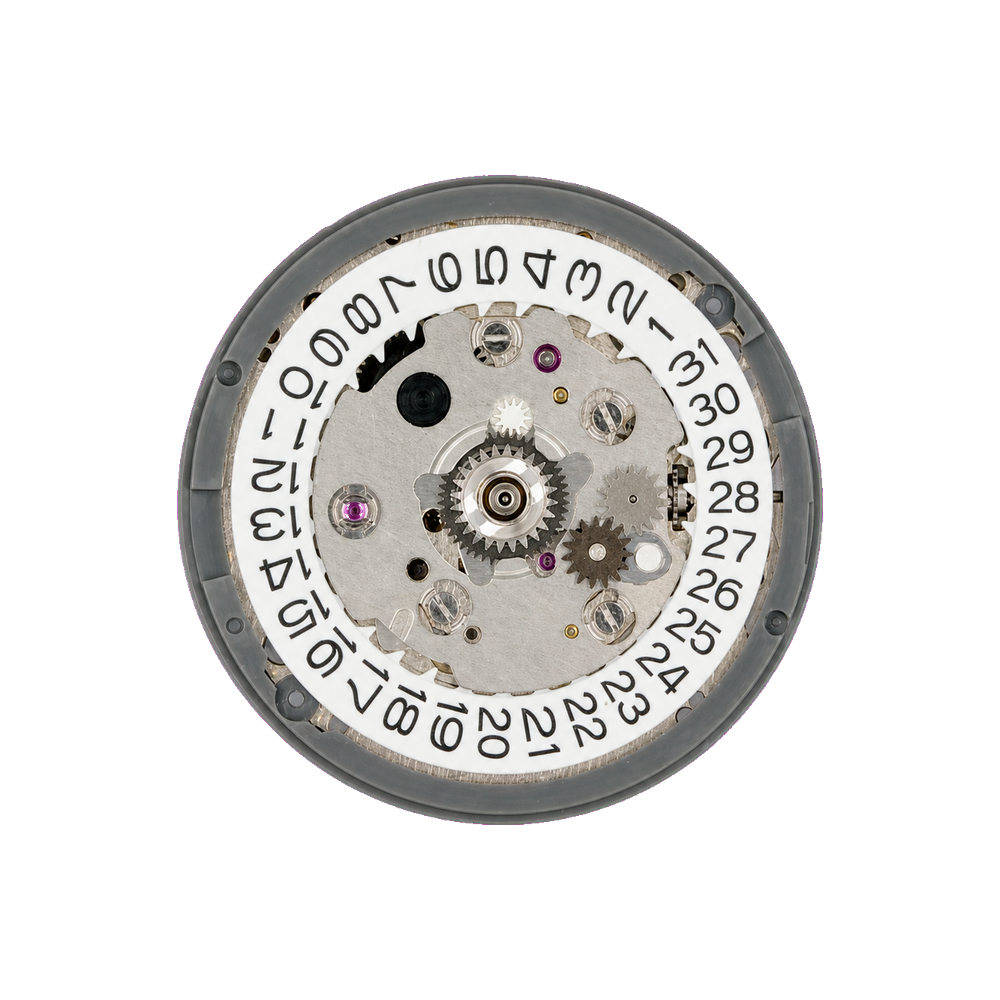
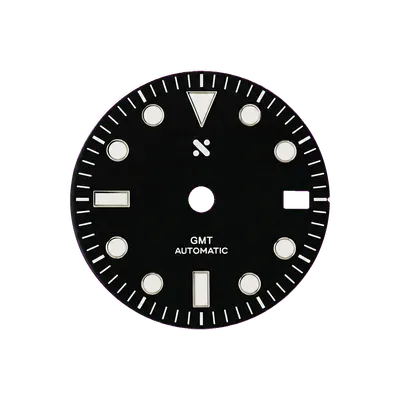
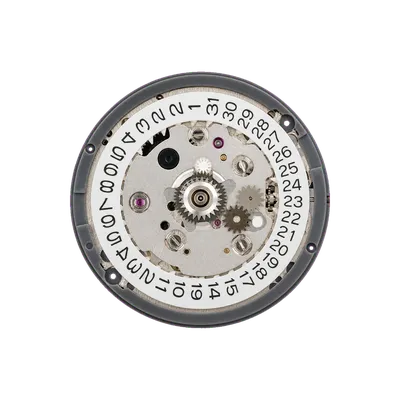
Checkpoint: confirm the dial feet line up with the movement and any date/day window sits correctly before mounting.
Checkpoint 2
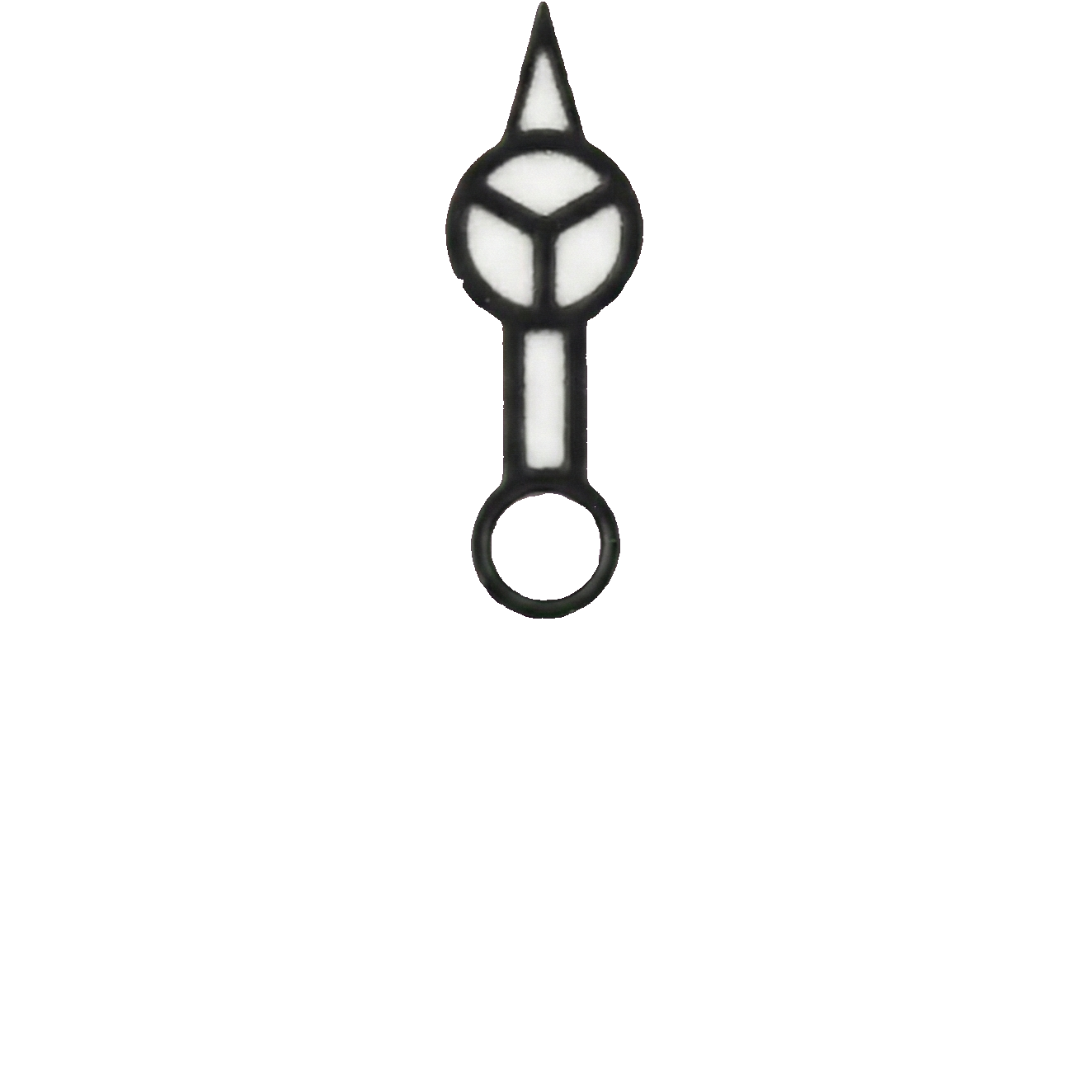
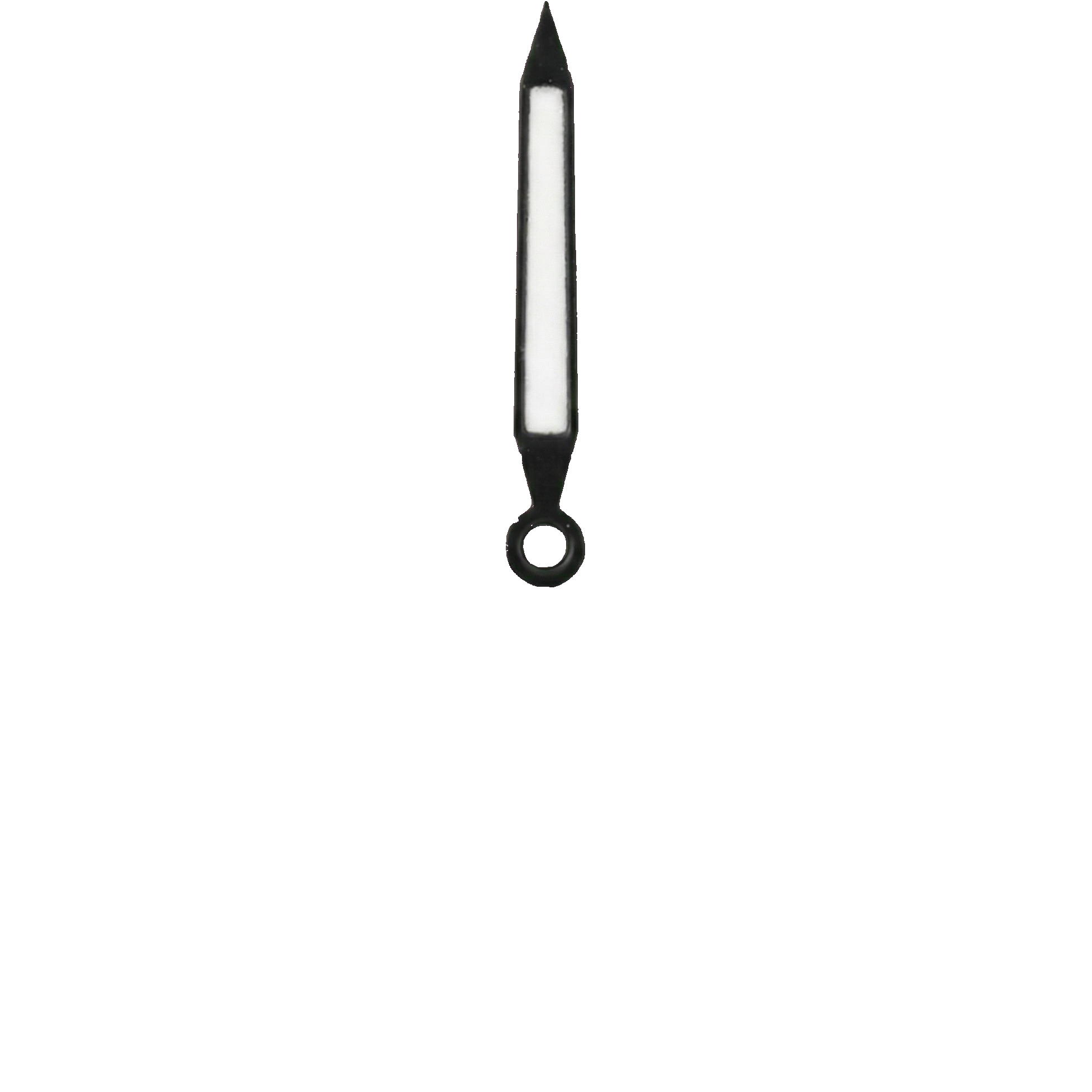
Set the hands
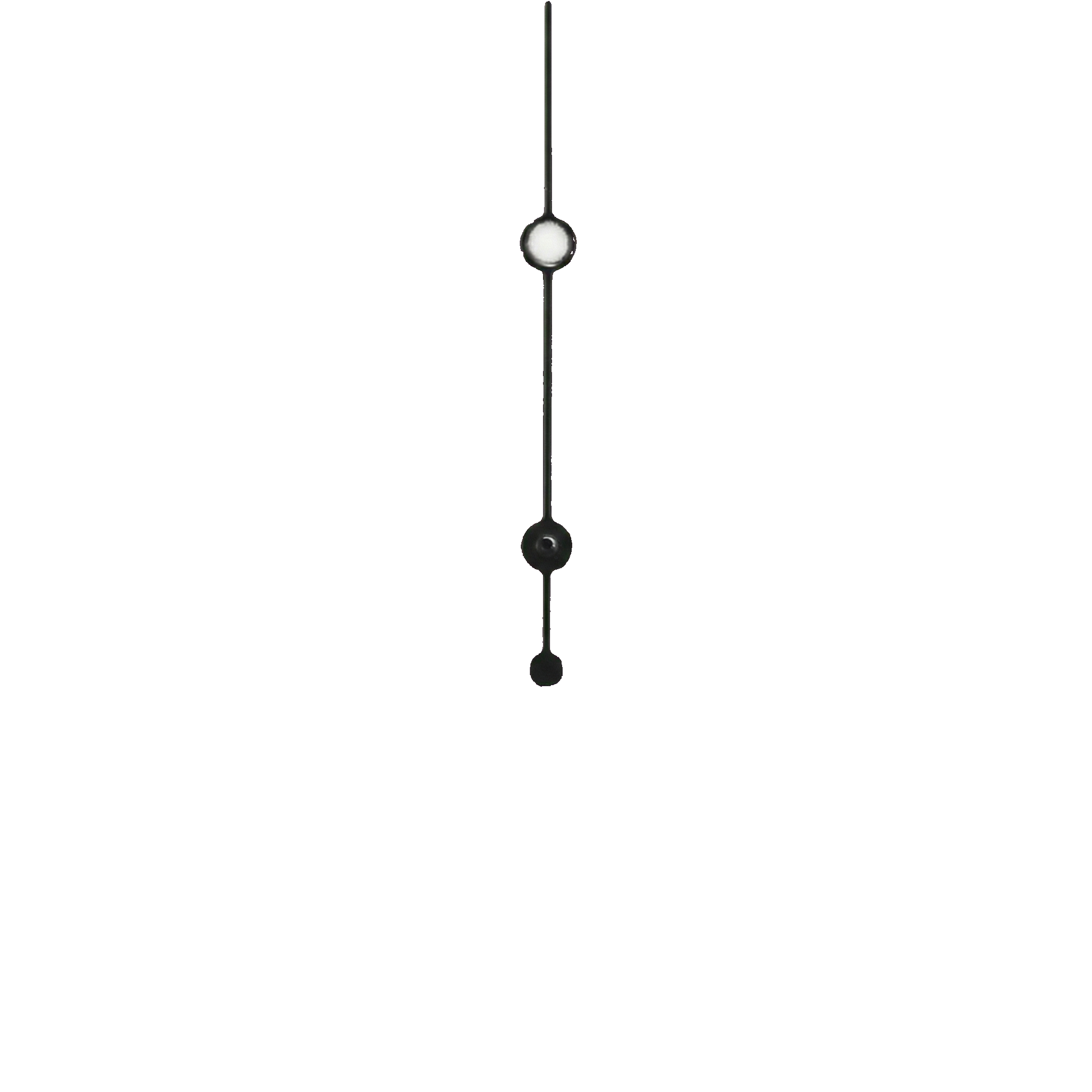
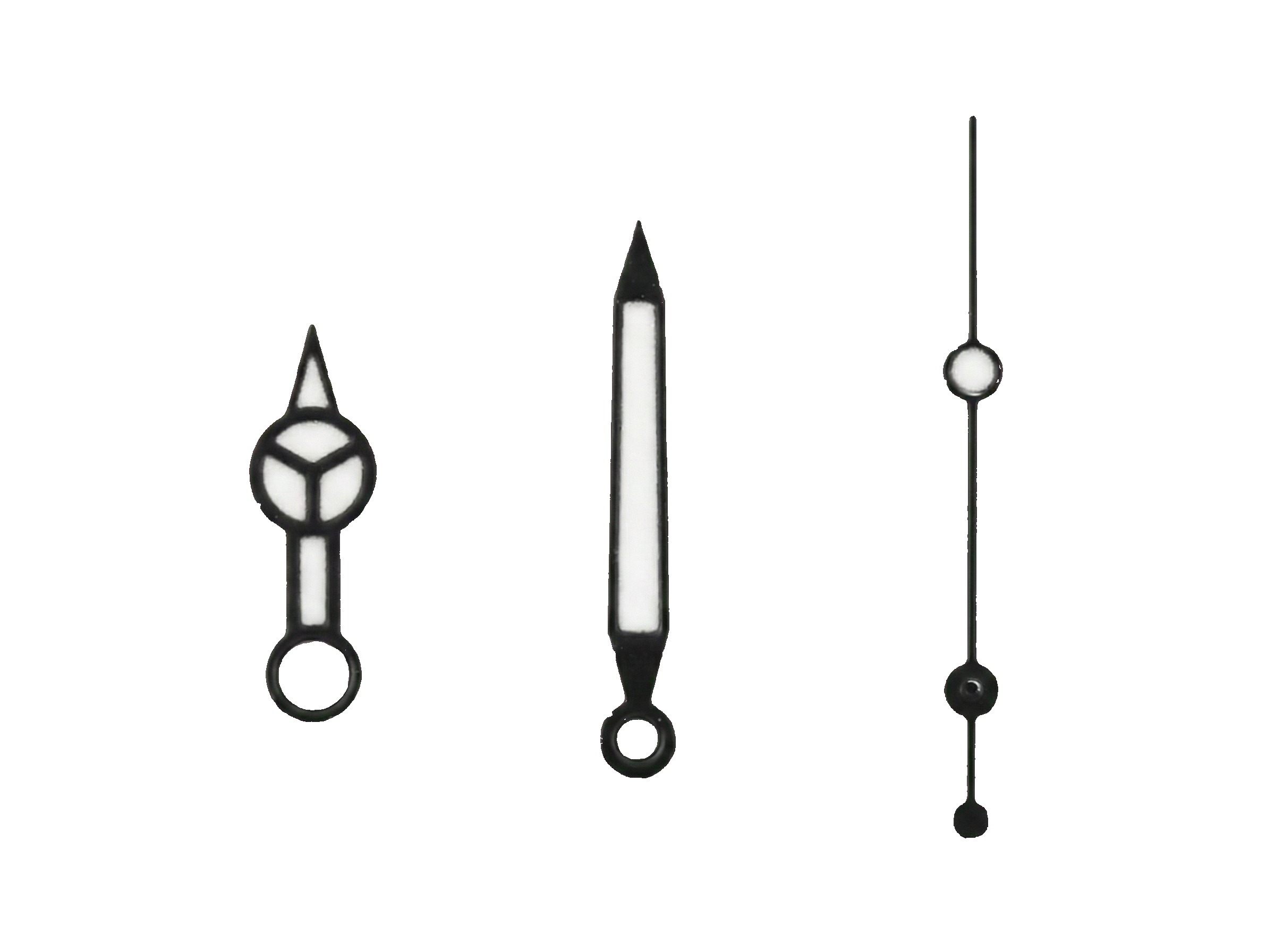
GMT hand-setting adds another layer. Review a full hand-setting guide, fit the 24-hour hand first, then check clearance before pressing the hour, minute, and second hands.
GMT build with an NH34 movement — fit the 24-hour hand at the correct depth before the hour/minute hands.Learn this step
Checkpoint 3
Seat the movement in the case
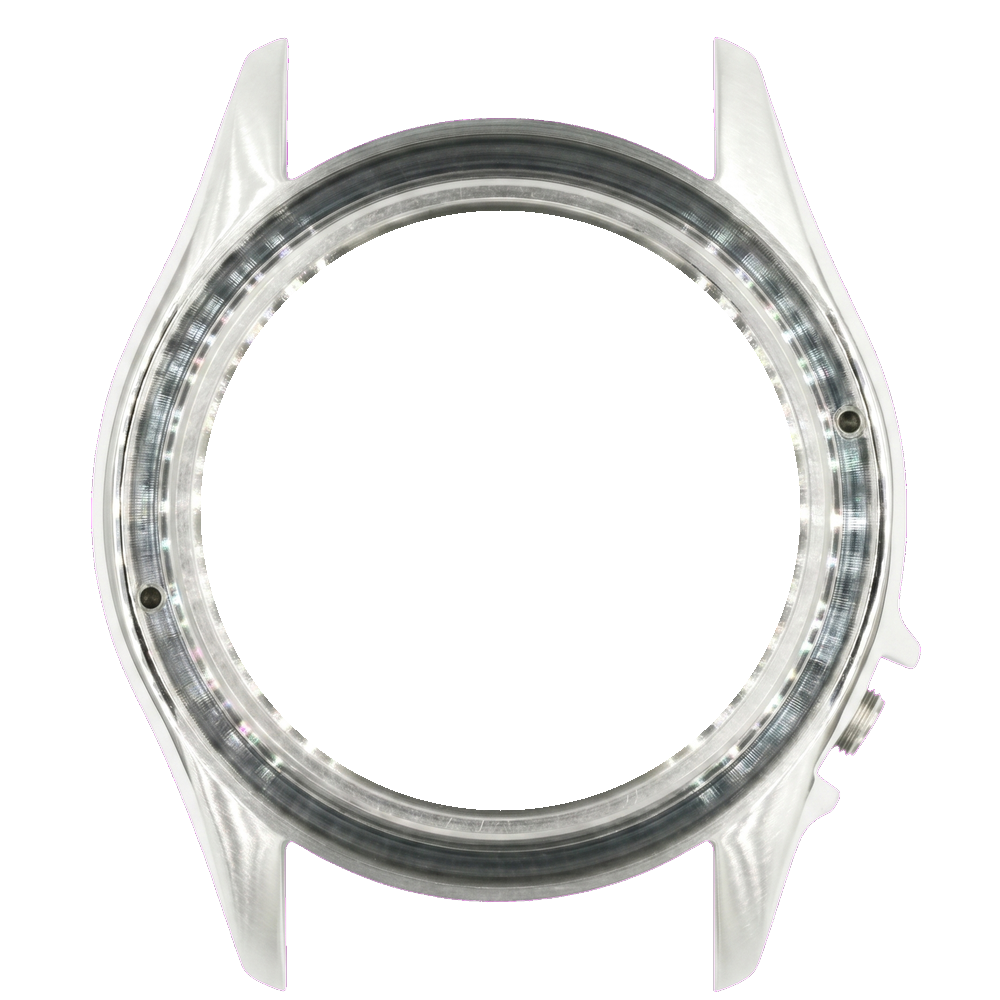
Checkpoint: test-fit the movement/dial/hands assembly in the case, then confirm the movement holder or spacer seats cleanly before closing anything.
Learn this step
Checkpoint 4
Fit the chapter ring
Checkpoint: seat the chapter ring and confirm its markers align with 12 o'clock and the date/day window if the build has one.
Learn this step
Checkpoint 5
Fit the bezel ring
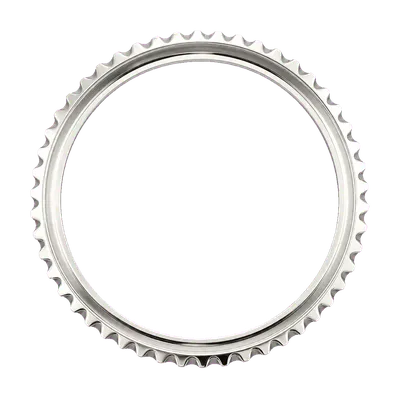
Checkpoint: confirm the bezel ring matches the case platform, then test the click/rotation before fitting the insert.
This bezel ring is matched to the skx013 platform family — cross-family rings from a different case platform may not seat correctly.Learn this step
Checkpoint 6
Fit the bezel insert
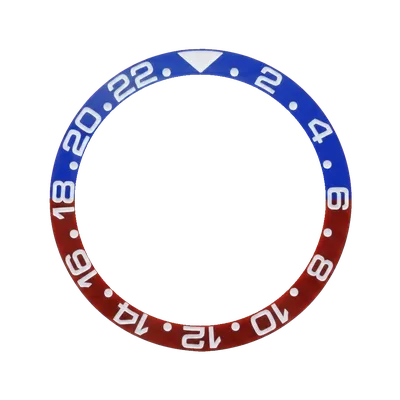
Checkpoint: this bezel takes a separate insert, so confirm alignment and press it evenly to avoid cracking or a crooked scale.
Learn this step
Checkpoint 7
Fit the crown
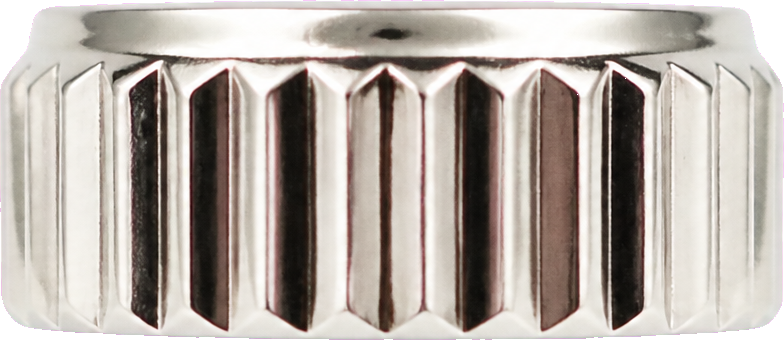
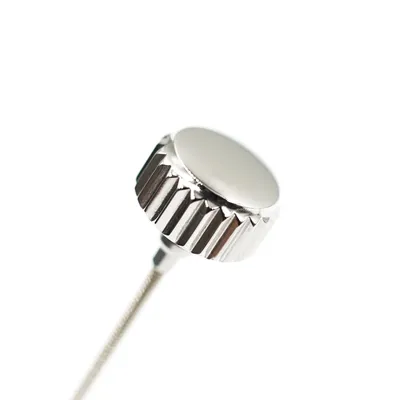
Checkpoint: crown and stem fitting can require trimming. Confirm winding, hand-set, and date-set positions before sealing the case.
Learn this step
Checkpoint 8
Close the caseback
Checkpoint: inspect for dust, confirm the gasket is seated, then close the caseback without shifting the crown or movement.
Learn this step
Checkpoint 9
Fit the strap or bracelet
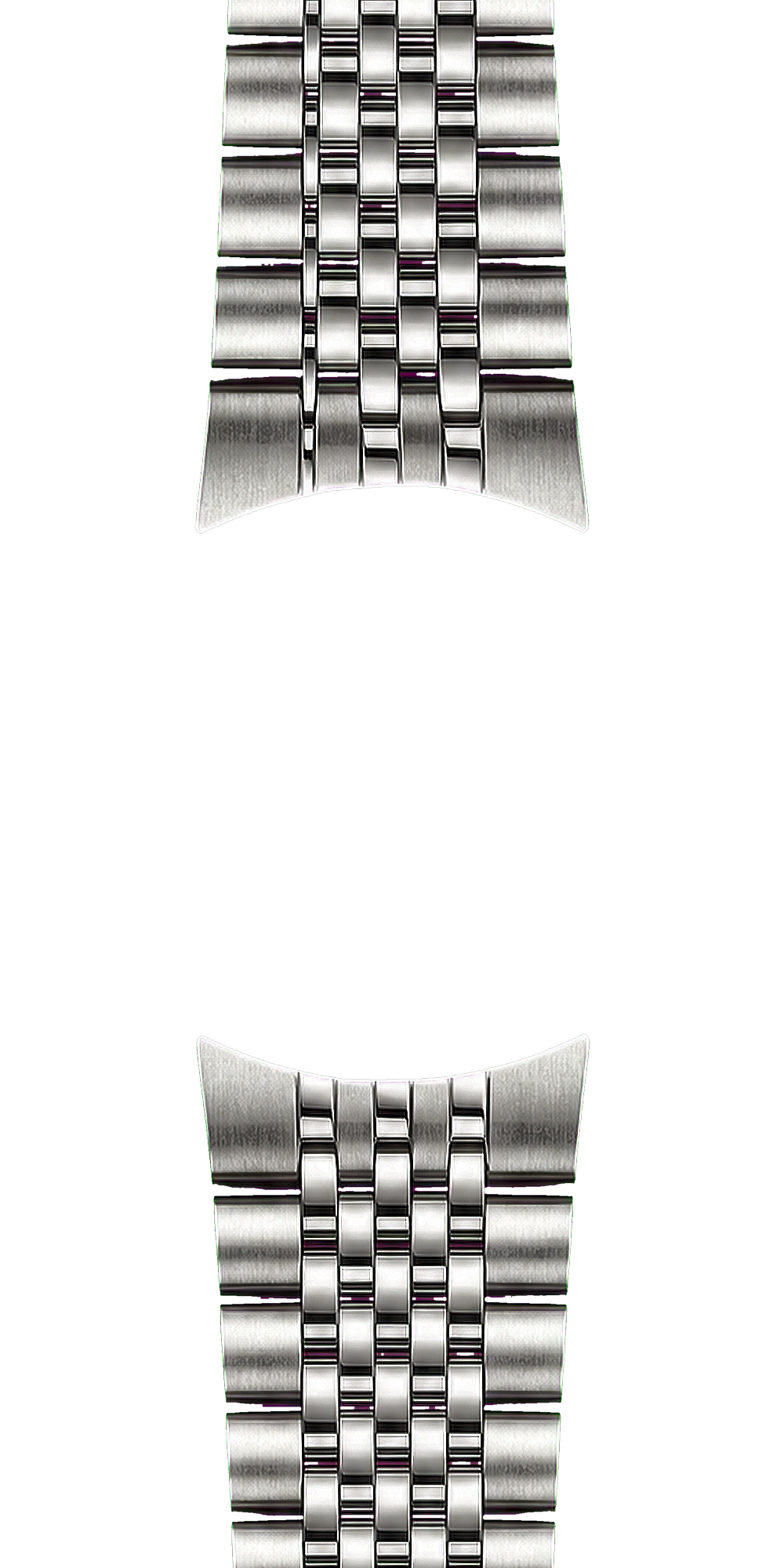
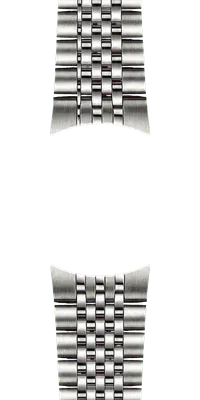
Checkpoint: fit the spring bars, then tug-test the strap or bracelet and confirm end links sit flush against the case.
Learn this step